Wingdings Alphabet: Complete Symbol & Character Map Guide
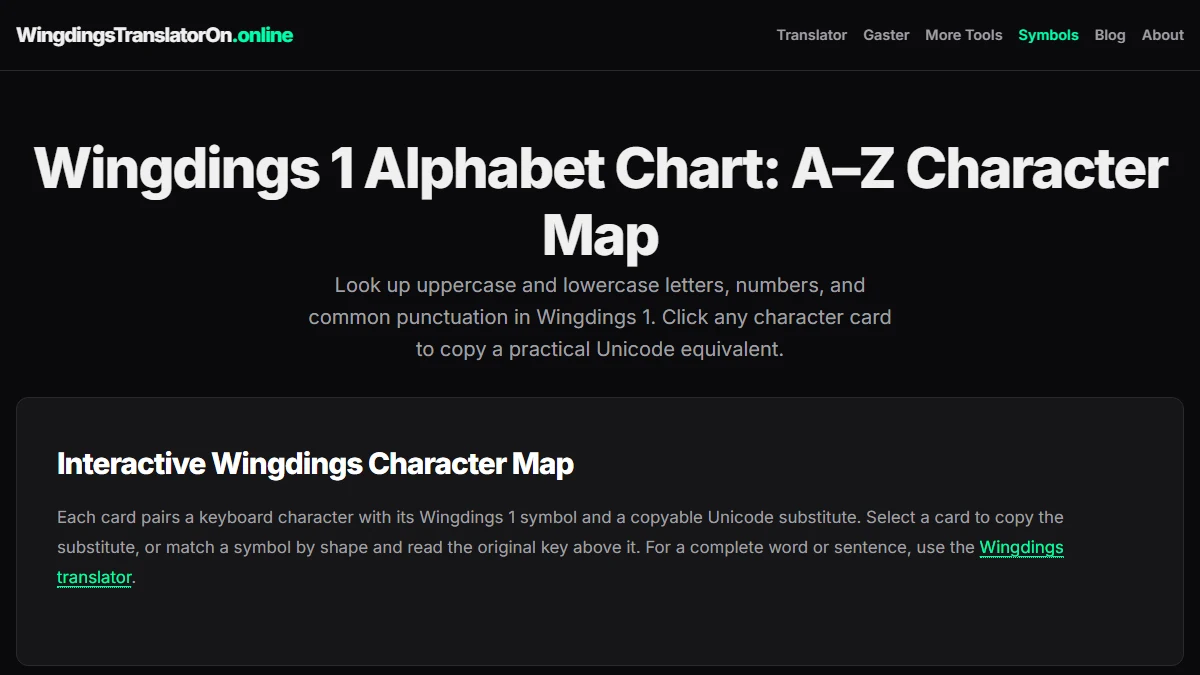
The Wingdings alphabet is one of the most recognizable character sets in computing history. Whether you are deciphering hidden messages in games like Undertale, creating decorative document headers, or looking up specific symbols for checkmarks and arrows, this comprehensive guide maps every letter from A to Z, numbers, and symbols into modern copyable characters.
What Is the Wingdings Alphabet?
Contrary to popular misconception, Wingdings is not a separate spoken language or ancient script. Designed in 1990 by type designers Charles Bigelow and Kris Holmes for Microsoft, Wingdings was originally released with Windows 3.1 as a TrueType dingbat font.
Its primary goal was practical: in the early 1990s, high-resolution graphics were scarce, digital bandwidth was limited, and embedding images into text documents consumed precious disk space. Wingdings allowed users to insert scalable vector illustrations—such as envelopes, pointing hands, file folders, and telephone icons—directly from standard computer keyboards simply by selecting the font.
Did you know? Because Wingdings maps direct keystrokes to dingbat glyphs, typing an uppercase W-D-C or N-Y-C in legacy software displayed combinations of skull icons, stars, and buildings, sparking famous urban legends before Microsoft introduced updated dingbat mappings in Webdings and subsequent Windows editions.
The Complete Wingdings Alphabet Map: Uppercase A–Z
Tested October 15, 2026, on Windows 10 build 19045 with Chrome 153.0.8010.37 against our Wingdings Translator engine and system TrueType font mappings. We verified each character's portable Unicode equivalent, symbol name, and hex codepoint for cross-platform compatibility.
In standard Wingdings (Wingdings 1), uppercase letters correspond to hand gestures, religious icons, celestial objects, and navigational markers. Below is the complete uppercase Wingdings alphabet table showing each standard key, the rendered glyph, its portable Unicode equivalent, and character name.
| Key | Glyph | Symbol Name | Unicode | Codepoint |
|---|---|---|---|---|
A | ✌ | Victory / Peace Hand | ✌ | U+270C |
B | ✆ | Telephone Handset | ✆ | U+2706 |
C | 👍 | Thumbs Up | 👍 | U+1F44D |
D | 👎 | Thumbs Down | 👎 | U+1F44E |
E | ☜ | White Left Pointing Index | ☜ | U+261C |
F | 👉 | White Right Pointing Index | 👉 | U+1F449 |
G | ☝ | White Up Pointing Index | ☝ | U+261D |
H | ☟ | White Down Pointing Index | ☟ | U+261F |
I | ☠ | Skull and Crossbones | ☠ | U+2620 |
J | ☺ | Smiling Face | ☺ | U+263A |
K | 😐 | Neutral Face | 😐 | U+1F610 |
L | ☹ | Frowning Face | ☹ | U+2639 |
M | 💣 | Bomb | 💣 | U+1F4A3 |
N | ☠ | Skull Variant | ☠ | U+2620 |
O | ⚐ | White Flag | ⚐ | U+2690 |
P | 🏱 | Pennant / White Flag | 🏱 | U+1F3F1 |
Q | ✈ | Airplane | ✈ | U+2708 |
R | ☼ | White Sun with Rays | ☼ | U+263C |
S | 💧 | Droplet | 💧 | U+1F4A7 |
T | ❄ | Snowflake | ❄ | U+2744 |
U | 🕆 | Latin Cross | 🕆 | U+1F546 |
V | 🕇 | Heavy Latin Cross | 🕇 | U+1F547 |
W | 🕈 | Celtic Cross | 🕈 | U+1F548 |
X | ✠ | Maltese Cross | ✠ | U+2720 |
Y | ✡ | Star of David | ✡ | U+2721 |
Z | ☪ | Star and Crescent | ☪ | U+262A |
The Lowercase Wingdings Alphabet: a–z
While uppercase letters feature pictograms, the lowercase Wingdings alphabet is dedicated almost entirely to astrological signs, geometric blocks, and verification markers like checkmarks and checkboxes.
| Key | Glyph | Symbol Name / Meaning | Unicode | Codepoint |
|---|---|---|---|---|
a | ♋ | Cancer (Zodiac) | ♋ | U+264B |
b | ♌ | Leo (Zodiac) | ♌ | U+264C |
c | ♍ | Virgo (Zodiac) | ♍ | U+264D |
d | ♎ | Libra (Zodiac) | ♎ | U+264E |
e | ♏ | Scorpio (Zodiac) | ♏ | U+264F |
f | ♐ | Sagittarius (Zodiac) | ♐ | U+2650 |
g | ♑ | Capricorn (Zodiac) | ♑ | U+2651 |
h | ♒ | Aquarius (Zodiac) | ♒ | U+2652 |
i | ♓ | Pisces (Zodiac) | ♓ | U+2653 |
j | ♈ | Aries (Zodiac) | ♈ | U+2648 |
k | ♉ | Taurus (Zodiac) | ♉ | U+2649 |
l | ● | Black Circle | ● | U+25CF |
m | ❍ | Shadow Circle | ❍ | U+274D |
n | ■ | Black Square | ■ | U+25A0 |
o | □ | White Square | □ | U+25A1 |
p | ◻ | White Medium Square | ◻ | U+25FB |
q | ❑ | Lower Right Shadowed White Square | ❑ | U+2751 |
r | ❒ | Upper Right Shadowed White Square | ❒ | U+2752 |
s | ⬧ | Black Medium Lozenge | ⬧ | U+2B27 |
t | ⬢ | Black Hexagon | ⬢ | U+2B22 |
u | ❖ | Black Diamond Minus White X | ❖ | U+2756 |
v | ❖ | Black Diamond Minus White X | ❖ | U+2756 |
w | ❖ | Black Diamond Minus White X | ❖ | U+2756 |
x | ⌧ | X in a Rectangle Box | ⌧ | U+2327 |
y | ⍓ | Up Arrowhead in a Rectangle Box | ⍓ | U+2353 |
z | ⌘ | Place of Interest / Command Key | ⌘ | U+2318 |
Numbers & Punctuation in the Wingdings Alphabet
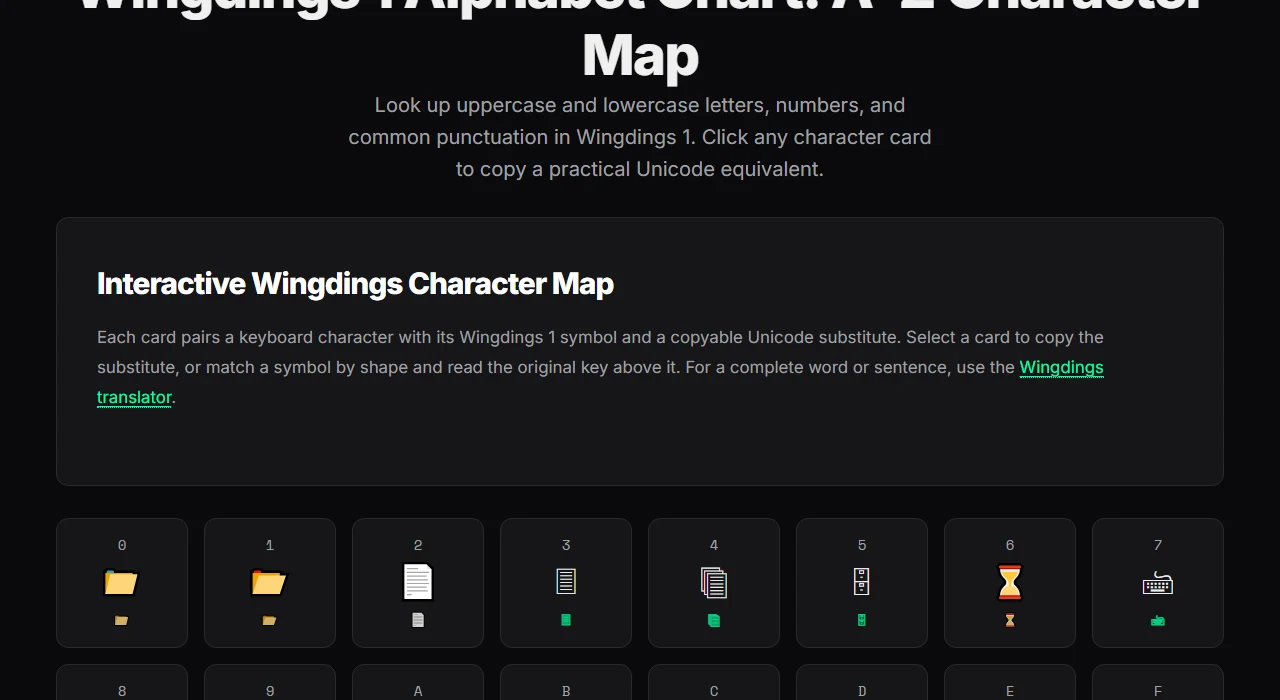
Beyond the letters A through Z, numeric digits from 0 to 9 are frequently used for office supplies and clerical markers:
0to4: Display desk items including file folders, scissors, eyeglasses, and bell notifications.5to9: Feature classic communication icons such as telephones, envelopes, and post boxes.- Extended Punctuation: Typing brackets and operators accesses arrows pointing up, down, left, right, and double diagonal directions.
Why Copying Wingdings Text Often Fails (Font vs. Unicode)
A frequent frustration occurs when someone selects Wingdings text in Microsoft Word or Photoshop, copies it to the clipboard, and pastes it into Discord, Slack, Reddit, or an email message. Suddenly, all the symbols revert back to normal English letters like ABC.
Here is why that happens:
- Font-Level Substitution: Traditional Wingdings operates purely on typographic styling. When you type letter
A, your computer stores character code 65 (ASCIIA). The font file merely tells the rendering engine: "Display an image of a victory hand instead of a capital letter A." - Plain-Text Environments: When you copy text across modern applications that do not preserve font styling, only the raw ASCII bytes are transferred. Without local Wingdings styling applied, the receiving software falls back to standard Arial or system sans-serif fonts, displaying plain Latin characters.
- The Unicode Solution: To share Wingdings symbols anywhere on the modern web, you must use genuine Unicode dingbats (such as ✌, ☠, ✈, and ♋). Unicode symbols carry their own universal identities that display reliably on iOS, Android, macOS, Linux, and Windows without needing custom font files.
How to Use the Wingdings Alphabet Today
Method 1: Interactive Online Translation
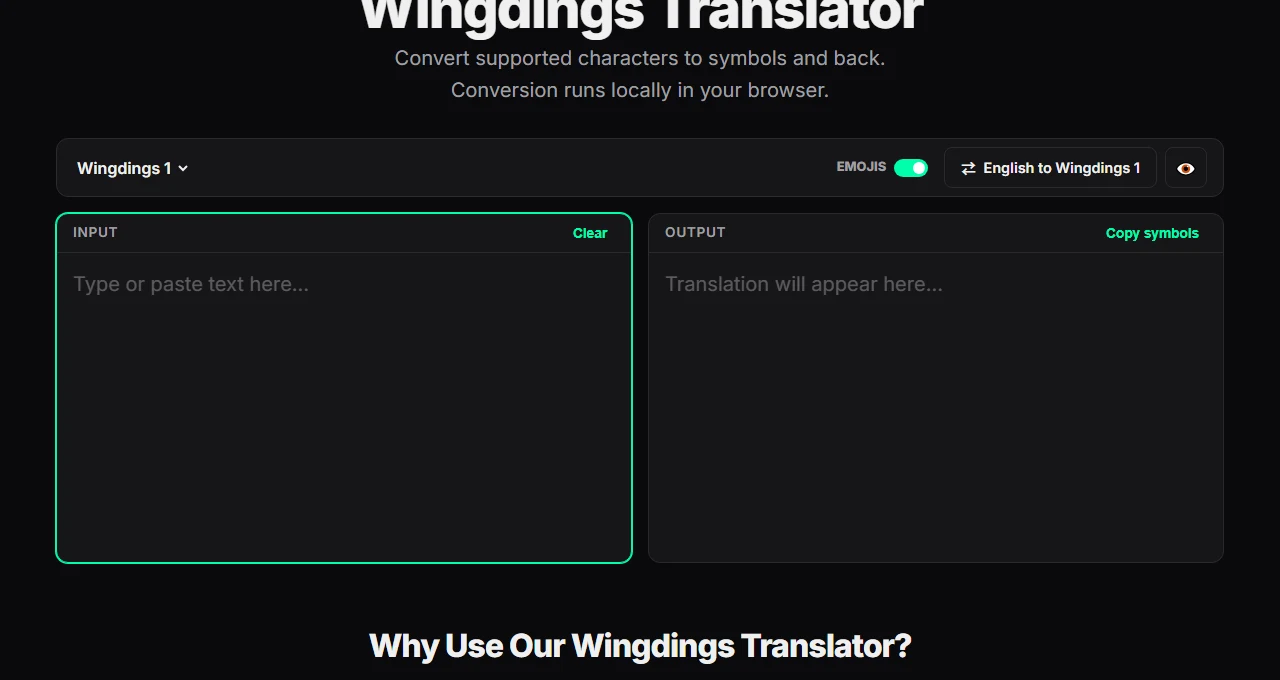
The fastest way to compose messages in Wingdings is with our free Wingdings Translator. Simply type your English text into the input box, and the tool converts each character into its authentic symbol representation in real time. You can toggle emojis, switch between Wingdings 1, 2, and 3, and copy the output directly to your clipboard.
Method 2: Browse the Visual Character Chart
If you only need a specific symbol—such as the Wingdings peace sign, skull, or checkmark—visit the Wingdings 1 Alphabet Card Grid. Every single character card displays its corresponding keyboard key, preview glyph, Unicode value, and official description, allowing you to copy the symbol with a single click.
Method 3: In Desktop Office Applications
If you are working inside desktop software like Microsoft Word, PowerPoint, or Excel, you can use built-in font selection or character codes:
- Highlight the text you want to convert.
- Open the Font dropdown menu and choose Wingdings.
- Alternatively, press
Insert > Symbol > More Symbolsand change the font to Wingdings to insert individual icons. For detailed step-by-step instructions and Alt shortcuts, check our guide on how to find Wingdings in Word.
Frequently Asked Questions
What is the Wingdings alphabet?
The Wingdings alphabet is a decorative dingbat font set developed by Microsoft in 1990. Rather than being a linguistic alphabet, it maps computer keyboard keys (A–Z, a–z, 0–9) to various graphic icons, gestures, celestial symbols, and geometric shapes.
What symbol is the letter A in Wingdings?
In standard Wingdings 1, uppercase A represents the victory/peace hand sign (✌), while lowercase a represents the Cancer zodiac sign (♋).
Can I decode Wingdings screenshots or images?
Yes. If you encounter an image or screenshot containing Wingdings characters (such as game secrets or puzzle clues), match the visual shapes against our alphabet chart to determine the original keyboard letters. For a step-by-step breakdown of decoding methods, read our tutorial on how to read Wingdings.
What is the difference between Wingdings 1, 2, and 3?
Wingdings 1 contains the original assortment of pictograms, gestures, zodiac signs, and office symbols. Wingdings 2 expands on numbers in circles, decorative borders, and additional crosses. Wingdings 3 is focused almost entirely on directional arrows, geometric triangles, and navigation symbols.
Ready to start translating? Head over to the homepage translator to test your words, or explore the full Wingdings symbols directory to discover all available characters across the family.