Wingdings Font Download Guide
Before searching for a Wingdings font download, check whether the font is already installed. Wingdings is supplied with Windows, and Microsoft identifies the original file as Wingding.ttf. This guide gives you the real Windows paths, official acquisition links, safe installation steps, and the correct repair route when a system copy is missing.
Wingdings Font Download: The Quick Answer
There is no anonymous free Wingdings.ttf download button on Microsoft's typography page. That page documents the family, filenames, licensing links, and products that supply it. For most Windows users, the correct route is to use the installed system font or repair Windows—not to replace it with a file from an unknown mirror.
If you need a separately licensed download, the Wingdings family is sold through MyFonts, a Monotype marketplace, under Microsoft Corporation as the foundry. Choose the license that matches desktop, web, app, or electronic-document use instead of assuming one license covers every use.
| What you need | Official or authorized link | What the link provides |
|---|---|---|
| Font details | Microsoft Wingdings font family | Official filenames, family history, supplied products, and licensing references. |
| Windows availability | Windows 11 font list | Microsoft's system-font list identifies Wingdings and Wingding.ttf. |
| Licensed Office install | Install or reinstall Microsoft 365 or Office | The supported route for users who already own or are assigned an Office license. |
| Standalone licensed download | Wingdings family on MyFonts | Paid desktop, webfont, app, and other license options; review the selected EULA before buying. |
| Installation instructions | Microsoft font installation guide | Windows and macOS steps for a font file you legally obtained. |
| Redistribution rules | Microsoft font redistribution FAQ | Explains system-font use, document embedding, web use, and redistribution limits. |
Avoid “free Wingdings TTF” mirrors. A working file is not proof that a download is official, current, unmodified, or licensed for redistribution. Do not disable browser or antivirus warnings to obtain a font.
Where Wingdings Fonts Are Stored on Windows
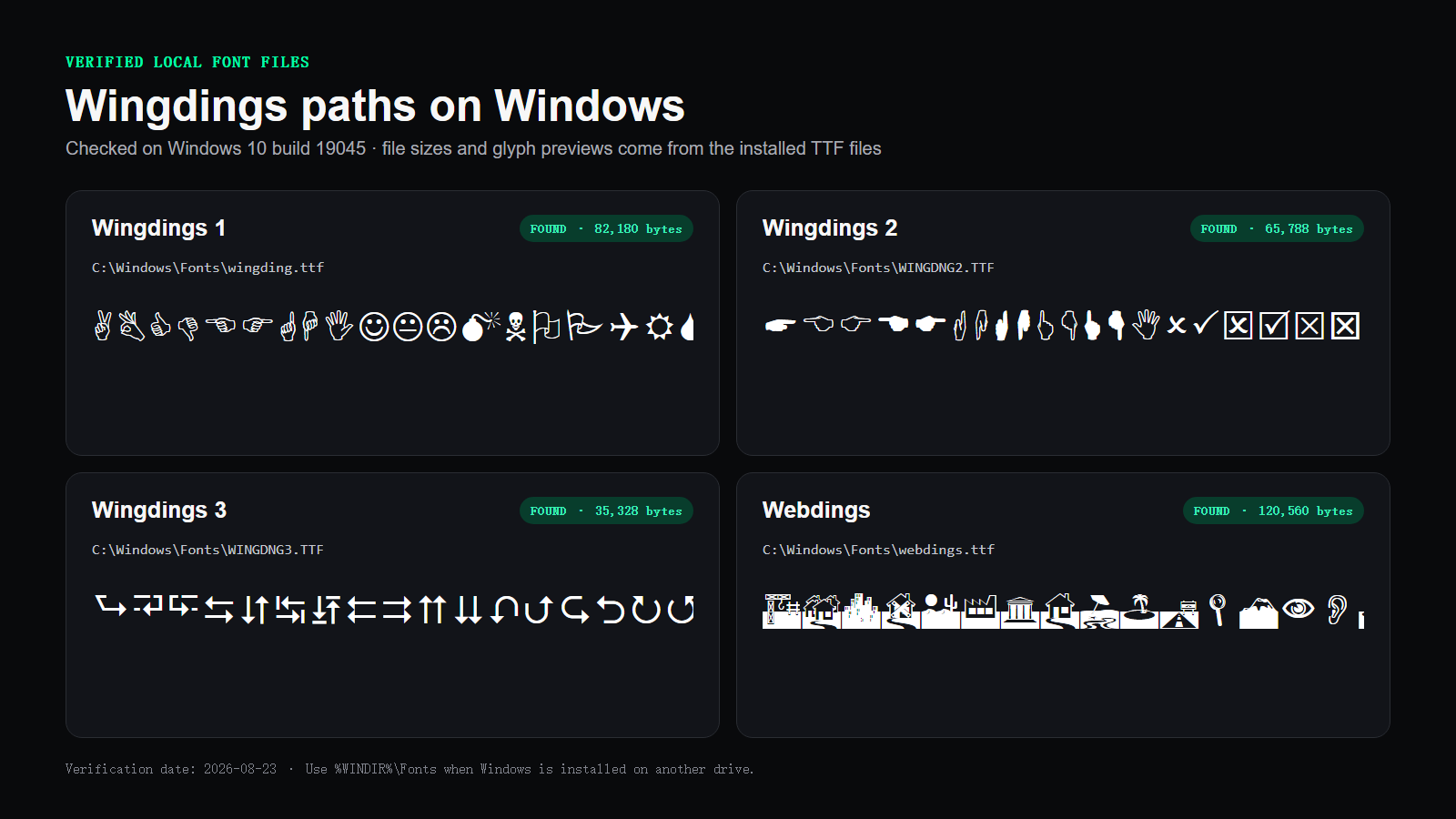
The default Windows font directory is C:\Windows\Fonts. A safer, drive-independent form is %WINDIR%\Fonts, because the Windows directory is not always on drive C. The Wingdings family uses these common file paths:
- Wingdings 1:
%WINDIR%\Fonts\wingding.ttf - Wingdings 2:
%WINDIR%\Fonts\WINGDNG2.TTF - Wingdings 3:
%WINDIR%\Fonts\WINGDNG3.TTF - Webdings:
%WINDIR%\Fonts\webdings.ttf
Check the folder with File Explorer
- Press Win + R.
- Enter
%WINDIR%\Fontsand press Enter. - Search for Wingdings. Windows may display friendly font names instead of raw filenames.
- Open the font preview to confirm the family and style before changing anything.
Verify the exact TTF paths with PowerShell
Open PowerShell and run this read-only check. It reports the files that exist without copying or modifying them:
Get-Item "$env:WINDIR\Fonts\wingding.ttf",
         "$env:WINDIR\Fonts\WINGDNG2.TTF",
         "$env:WINDIR\Fonts\WINGDNG3.TTF",
         "$env:WINDIR\Fonts\webdings.ttf"
What Microsoft Confirms About the Wingdings Family
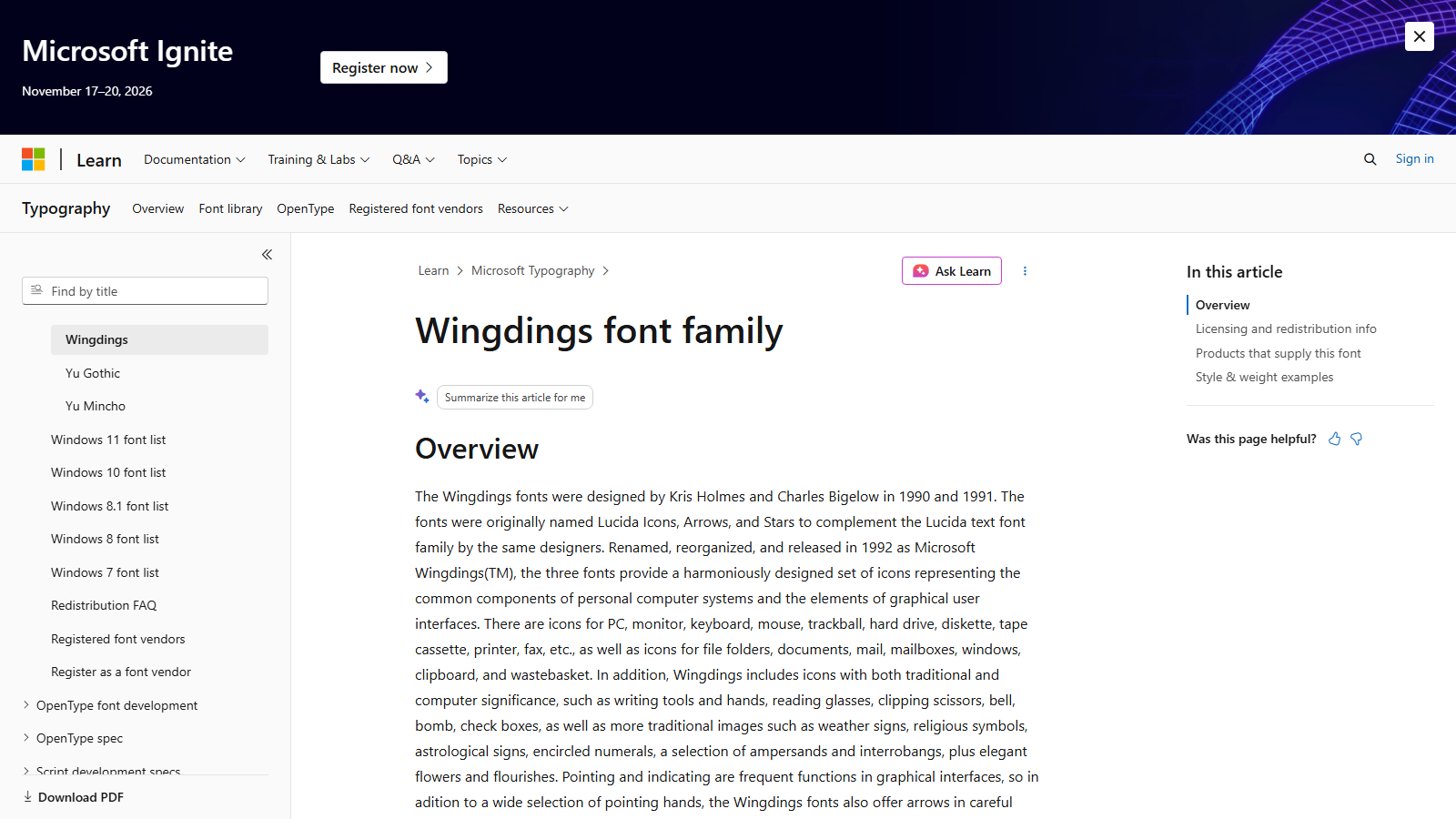
Microsoft's Wingdings record lists three styles—Wingdings, Wingdings 2, and Wingdings 3—and names their files as Wingding.ttf, Wingdng2.ttf, and Wingdng3.ttf. It also identifies Windows versions and Office applications among the products that supply the family.
How to Install a Licensed Wingdings TTF File on Windows
Use this method only when you have obtained a font file under a license that allows installation. Do not reinstall a random file over a healthy Windows system font.
- If the licensed download is a ZIP archive, extract it first.
- Double-click the
.ttffile to open Windows Font Previewer. - Confirm that the displayed family and style match what you purchased.
- Select Install. Use Install for all users only when you need system-wide access and have administrator permission.
- Close and reopen Word, PowerPoint, or another application so it refreshes its font list.
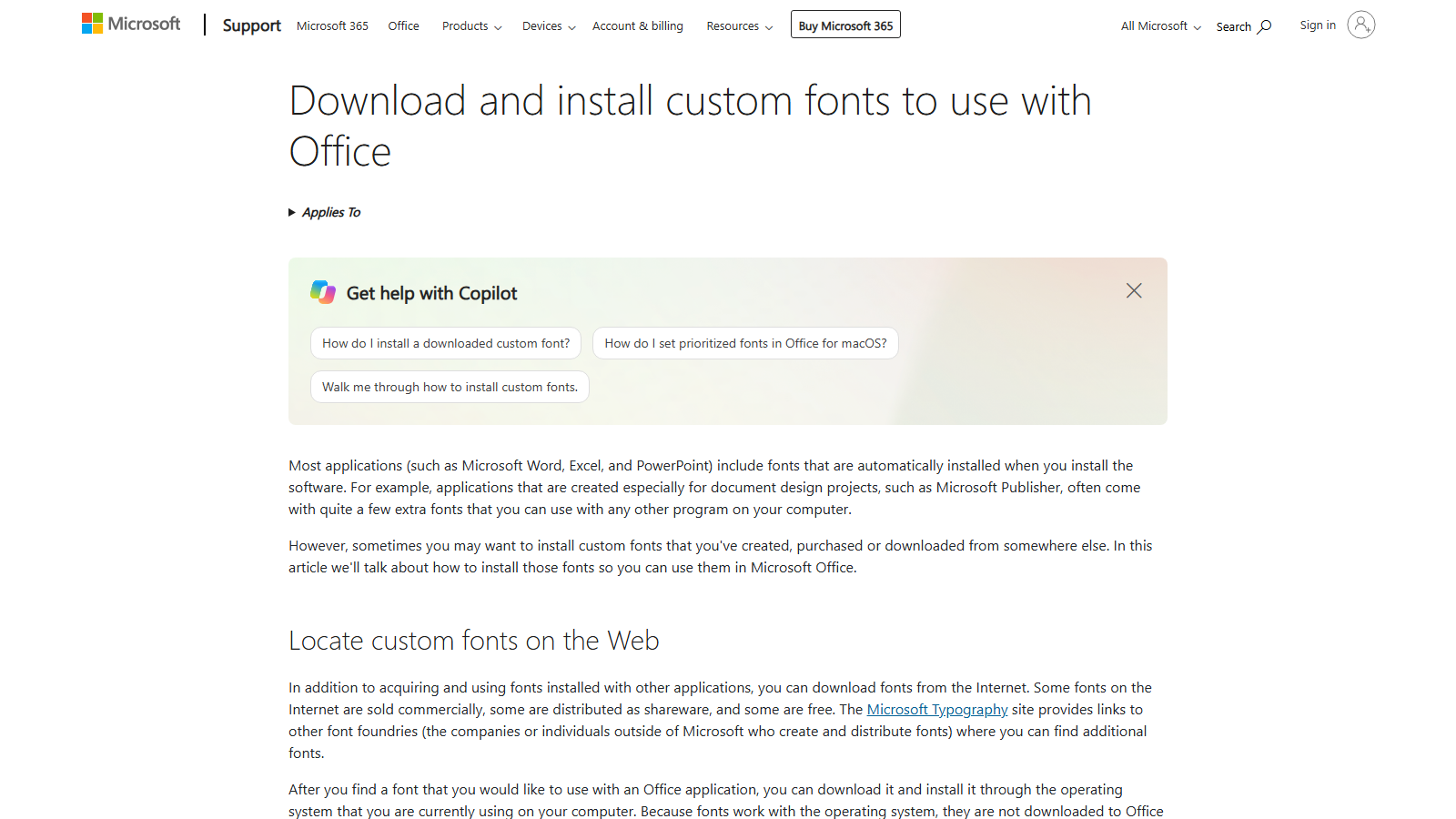
Microsoft's Office support page confirms that fonts are installed through the operating system rather than downloaded directly into Office. Once Windows recognizes the font, Office applications can use it.
How to Install Wingdings on a Mac
First check Font Book and your Microsoft Office apps. If your licensed Office installation supplies Wingdings, you may not need a separate download. When you have a legally obtained .ttf or .otf file, install it through Font Book:
- Double-click the font file in Finder, or open Font Book and choose File → Add Fonts to Current User.
- Review Font Book's validation result and select Install.
- For the current user, the usual folder is
~/Library/Fonts/. For all users, it is/Library/Fonts/and requires administrator permission. - Restart the application in which you want to use the font.
These locations and validation steps come from the Apple Font Book guide and its installation-location settings. A Windows font file is not automatically licensed for copying to a Mac, so verify the source license first.
How to Restore Wingdings When the Windows File Is Missing
A missing Windows-supplied font should be treated as a system repair problem before it becomes a download problem. Install pending Windows updates, restart, and check the Fonts folder again. If the file is still missing, Microsoft recommends running DISM before System File Checker from an administrator Command Prompt:
DISM.exe /Online /Cleanup-image /Restorehealth
sfc /scannow
Wait for each command to complete. The official System File Checker guide explains the order and expected completion messages. These tools can restore protected Windows components from trusted system sources.
Do not copy Wingding.ttf from an unrelated PC as the first fix. The file may come from a different Windows or Office version, and Microsoft's font terms generally do not allow copying Windows-supplied fonts to other computers.
Wingdings Licensing for Documents, Websites, and Apps
Having Wingdings installed does not give you a general right to redistribute its TTF file. Microsoft's font redistribution FAQ says Windows-supplied fonts generally may not be copied to other computers or servers. Document embedding is a separate case governed by the embedding permissions in the font and the application creating the document.
For a website, CSS may name Wingdings in a font stack so a visitor's installed copy can be used. Hosting the actual font through @font-face is different because the font file is served to visitors. Obtain a webfont license that covers that use. The same distinction applies to embedding a font in an app, game, device, or downloadable template.
Test Wingdings Without Installing Another File
If you only need to inspect symbols or convert text, you can use the site's Wingdings translator without downloading a font. The Wingdings 1 alphabet chart, Wingdings 2 chart, and Wingdings 3 translator help you verify the correct family before installing or purchasing anything.
Wingdings Font Download FAQ
Can I download Wingdings for free from Microsoft?
Microsoft documents Wingdings as a Windows-supplied font but does not provide a standalone free TTF download button on the typography page. Check Windows first, repair missing system files, install licensed Office, or obtain a separate license from an authorized font marketplace.
Where is the Wingdings font file on Windows?
The usual path is C:\Windows\Fonts\wingding.ttf. Using %WINDIR%\Fonts\wingding.ttf is safer when Windows is installed on a different drive.
How do I get Wingdings 2 and Wingdings 3?
Check %WINDIR%\Fonts for WINGDNG2.TTF and WINGDNG3.TTF. If they are missing, use Windows repair or reinstall your licensed Microsoft 365 or Office apps before considering a separately licensed family package.
Can I install Wingdings on macOS?
Yes, when you have a compatible font file and a license that covers installation on the Mac. Add it through Font Book, validate it, and restart the target application.
Why does Wingdings show boxes or normal letters?
The font may be missing, disabled, or unavailable in that application. A shared document may also contain ordinary characters that depend on the recipient having the same Wingdings font installed.
Can I upload Wingdings.ttf to my website?
Do not assume a Windows license permits webfont hosting. Microsoft's redistribution FAQ says Windows-supplied fonts generally may not be redistributed; obtain an appropriate webfont license before hosting a font file.
Conclusion
The safest Wingdings font download route depends on what is missing. Windows users should check %WINDIR%\Fonts and repair the system copy first. Office users should reinstall from their licensed Microsoft account, while anyone who needs a standalone desktop, web, or app font should use an authorized marketplace and select the correct license.